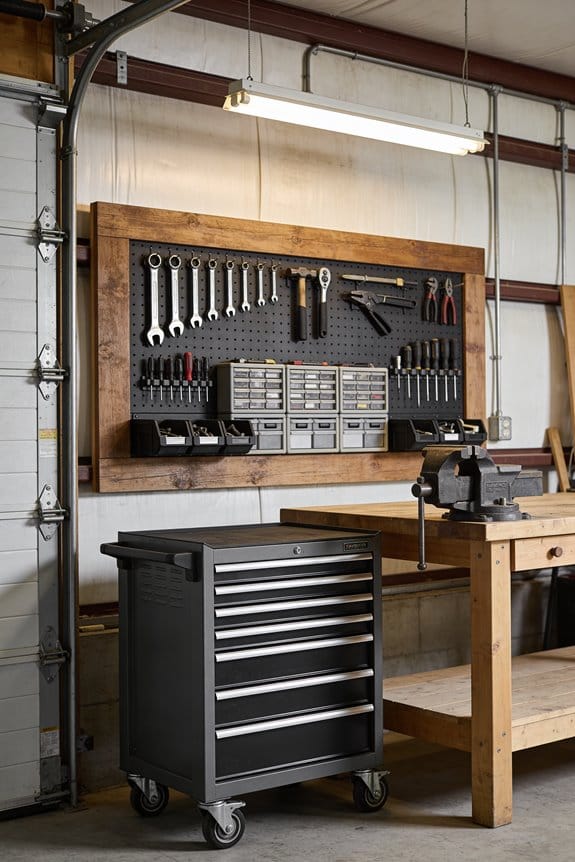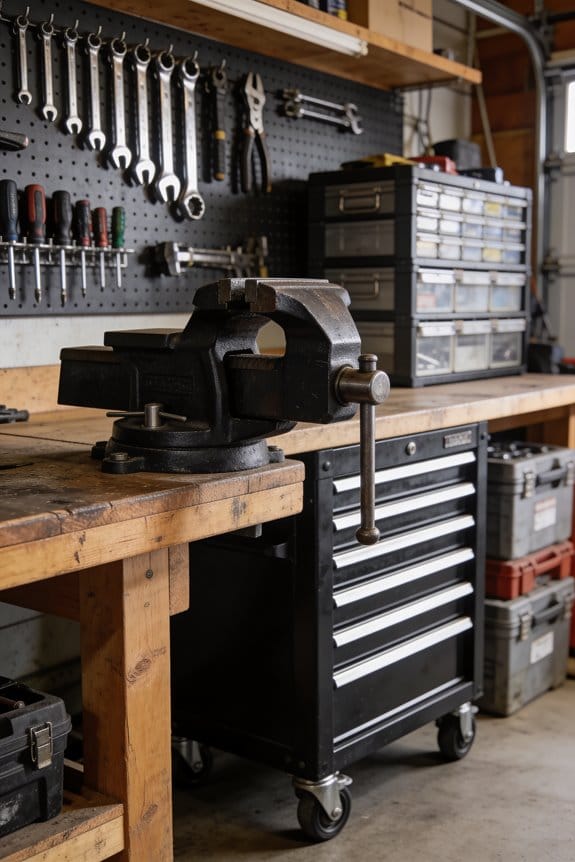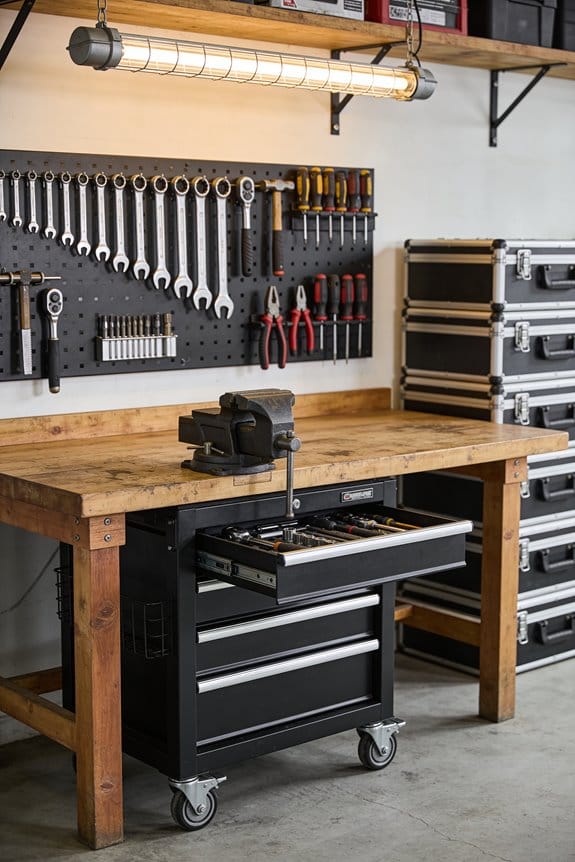

I’ve upgraded from spreadsheets to a real inventory system that combines photo scanning, location tagging, and digital maintenance logs. Instead of scattered tools across my workshop, I now photograph each item, assign it a storage location, and organize everything by project. This system lets me search my phone instantly, track which tools need maintenance, and eliminate duplicate purchases. I hold myself accountable through checkout records, manage tools across multiple spaces, and scale the system as my collection grows—transforming chaos into organized efficiency that saves time and money.
Key Takeaways
- Real inventory systems with photo attachments and location filtering replace scattered spreadsheets for precise tool tracking.
- Choose photo scanning for mobile convenience or barcode systems for quick ambient scanning based on collection size.
- Organize tools by project bins, storage locations, and consistent labels to prevent duplicates and enable instant searches.
- Log maintenance intervals, repairs, usage checkouts, and perform regular audits to track accountability and identify gaps.
- Use digital platforms with custom categories, modular storage, and portable toolboards to scale across multiple locations.
Why Hobbyists Need Real Inventory Systems, Not Spreadsheets
When you’ve got tools scattered across your workshop, garage, and storage shed, spreadsheets start falling apart pretty quickly. You’ll forget where you stored that specific wrench, lose track of which tools need maintenance, and struggle with space optimization when you can’t see your complete inventory. Real inventory systems solve these problems by organizing your collection digitally. With photo attachments and location filtering, you’ll know exactly where every tool is stored. Ownership tracking becomes automatic, so you understand which tools get used most frequently and which ones sit unused. Cloud-based systems let you search your inventory in seconds from your phone, eliminating the frustration of manual spreadsheets. This approach transforms tool management from chaotic to organized.
Photo Scanning vs. Barcode: Which System Works?
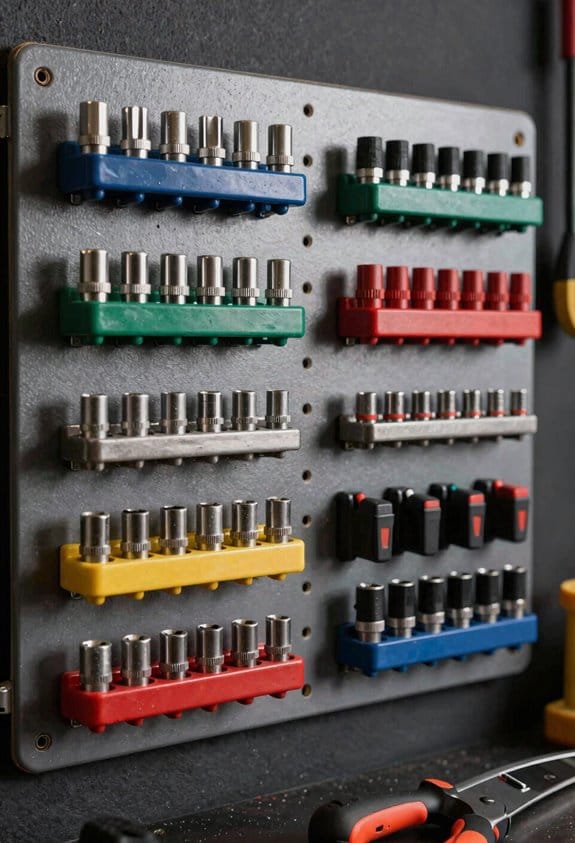
Once you’ve decided to move beyond spreadsheets, you’ll need to pick a tracking method that fits your hobbyist collection, and your two main options are photo scanning and barcode systems. Photo scanning uses image recognition technology to identify tools without requiring tags, creating a tagless workflow that’s straightforward for casual collectors. You simply snap pictures, and the system catalogs items automatically. Barcode systems require pre-labeled items but offer ambient scanning capabilities, meaning you can check tools in or out quickly using your smartphone. Photo scanning provides mobile convenience since you’re already carrying a camera phone, while barcodes demand printed labels and dedicated scanners. Consider your collection size, available time, and budget when choosing between these approaches.
Organize Your Tool Inventory by Project and Location
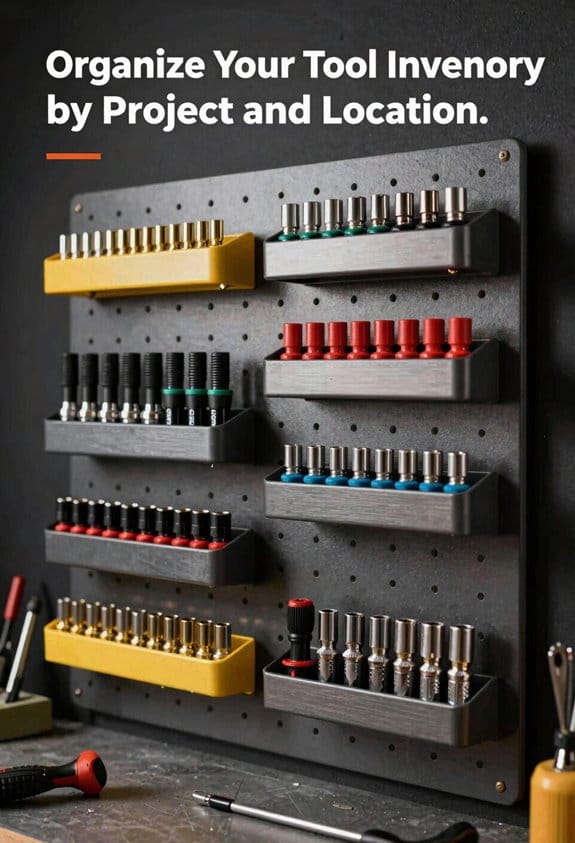
As your collection grows beyond a handful of basic tools, you’ll find that simply knowing what you own isn’t enough—you need to know where everything is and which project it’s assigned to. I organize my tools using project bins, which keeps items grouped by specific builds or repairs. Each bin gets location tags that identify where it’s stored—my garage shelf, workshop table, or vehicle. This system prevents me from searching endlessly for a single wrench. When I start a new project, I grab the corresponding bin and know exactly what’s available. Location tags also help me track which tools I’m currently using versus which ones sit unused. This organization method saves time and guarantees I’m not duplicating purchases.
Track Tool Maintenance in Your Inventory System
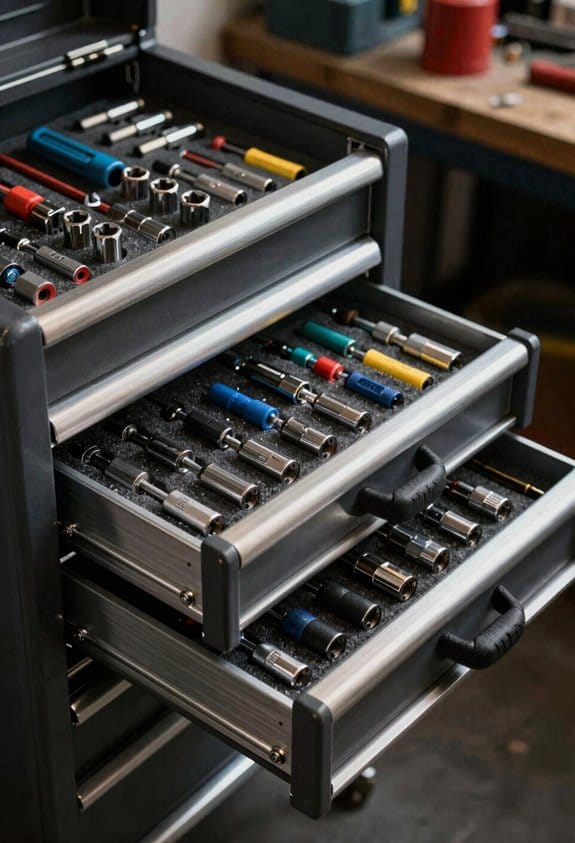
Because tools experience wear and tear from regular use, tracking their maintenance becomes just as important as knowing where they’re stored. I’ve found that logging service intervals in your inventory system prevents unexpected breakdowns during projects. When you document repair logs, you’re creating a history that shows which tools need attention and when they were last serviced. Most inventory systems let you set maintenance reminders that alert you before problems occur. By recording each repair, replacement part, and inspection date, you’ll know exactly which tools are reliable and which ones are aging. This approach keeps your collection functioning properly, extends tool lifespan, and helps you budget for future replacements or repairs before they become urgent problems.
Create Digital Records That Speed Up Tool Search
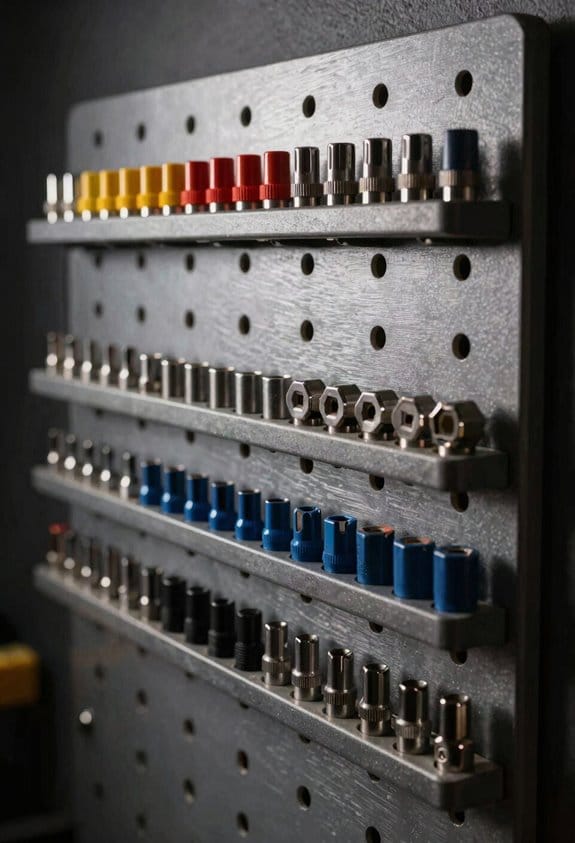
While keeping your maintenance records current helps prevent tool failures, organizing your inventory system with searchable digital records will save you considerable time when you actually need to find something. I’ve found that digital cataloging through photo attachments and barcode labeling transforms how quickly I locate tools across my workshop and storage areas. A quick tagging system lets me organize tools by category, location, or project type, making searches nearly instantaneous. Most inventory apps let you filter by department or storage zone, which mirrors what professionals use on job sites. By uploading photos alongside descriptions, I can distinguish similar items instantly. This systematic approach eliminates the frustration of hunting through cluttered spaces and keeps my hobby projects moving forward efficiently.
Stop Losing Tools and Buying Duplicates
One of the most frustrating aspects of managing a hobby tool collection is discovering you’ve purchased a tool you already owned, simply because you couldn’t locate it in your workshop. Implementing effective label strategies prevents this costly mistake. When you organize tools with clear, consistent labels—whether using printed tags, color-coded stickers, or digital photos—you’ll quickly identify what you have without searching through drawers and shelves. Duplicate detection becomes easier when your collection is properly cataloged. Digital inventory systems allow you to search your entire collection in seconds, revealing exactly which tools you own and where they’re stored. This approach saves money by eliminating unnecessary purchases and keeps your workshop efficient and organized.
Hold Yourself Accountable for Your Tools
As your hobby tool collection grows, tracking who used what and when becomes essential to maintaining order in your workshop. I’ve found that keeping usage logs makes a significant difference in accountability. By recording each tool checkout and return, I can see patterns in my habits and identify which tools I actually use regularly. Time audits—where I periodically review my inventory records—help me spot gaps or missing items before they become bigger problems. This system gives me clear visibility into my collection’s status. When I know exactly where each tool is and how frequently I use it, I’m more intentional about maintenance and storage, which ultimately protects my investment and keeps my workshop running smoothly.
Manage Tools Across Your Workshop and Jobsite
Keeping track of tools scattered between your workshop and jobsite requires setting up a system that works across multiple locations. I’ve found that organizing tools by location—workshop versus jobsite—helps me find what I need quickly. Using magnetic toolboards on portable workbenches gives me mobility, allowing me to transport frequently used tools between spaces without losing track of them. I label each tool’s home location, so I know where items belong. Digital photos attached to an inventory app let me document tool condition and location updates. By customizing folders for each workspace and taking photos during check-in and check-out, I maintain accountability across both areas, reducing lost tools and improving my workflow efficiency.
Expand Your System as Your Collection Grows
Your tool inventory system needs to adapt when your collection expands beyond what your initial setup can handle. As you acquire more tools, you’ll want to implement scalable labeling systems that grow with your inventory without requiring complete overhauls. Consider modular storage solutions that let you add sections as needed, whether you’re organizing by tool type or project.
Digital tools like EZOfficeInventory or ShareMyToolbox allow you to add unlimited assets and custom categories without upgrading hardware. Start with basic organization now, then introduce barcode scanning and photo attachments as your collection increases. This flexible approach prevents investing heavily upfront while ensuring your system remains manageable and functional for years ahead.
Frequently Asked Questions
Can I Use Tool Inventory Software Offline or Without Internet Connectivity?
Yes, you can. I’d recommend choosing software with offline access and local database capabilities. Some solutions offer air gapped setups or standalone apps, letting you manage your inventory without internet connectivity.
What’s the Best System for Tracking Borrowed Tools Lent to Friends?
I’d recommend ShareMyToolbox—it’s your safety net against borrowed-tool chaos. You’ll track who’s got what, set loan agreements upfront, and maintain tracking etiquette through photo documentation and accountability logs.
How Do I Integrate My Existing Tool Collection Into a New System?
I’d start by photographing each tool and creating a consistent labeling scheme—either barcodes or QR codes. Then upload everything into your chosen platform, organizing by category or location. You’ll establish your baseline inventory in minutes.
What Security Features Protect My Tool Data and Collection Information?
I protect your data through encrypted backups and role permissions. You’ll control who accesses your collection with custom user roles, while thorough audit trails track every transaction. Cloud deployment encrypts everything in transit and at rest.
Are There Free or Low-Cost Inventory Solutions for Casual Hobbyists?
I’d start with free spreadsheets to track your tools by location and condition. Community apps like TOOLTRIBE offer photo-based tracking without tags, making casual inventory management simple and budget-friendly for hobbyists.